
Minigames server setups
A minigames network is a hub that sends players to separate game servers. Hoplite showed how far one great game can carry a network, with Battle Royale as the main draw and smaller games around it. The hard part is not each game but the glue: queues, shared ranks and cosmetics, and a proxy that moves players between servers.
Our Minigames setups
View all setups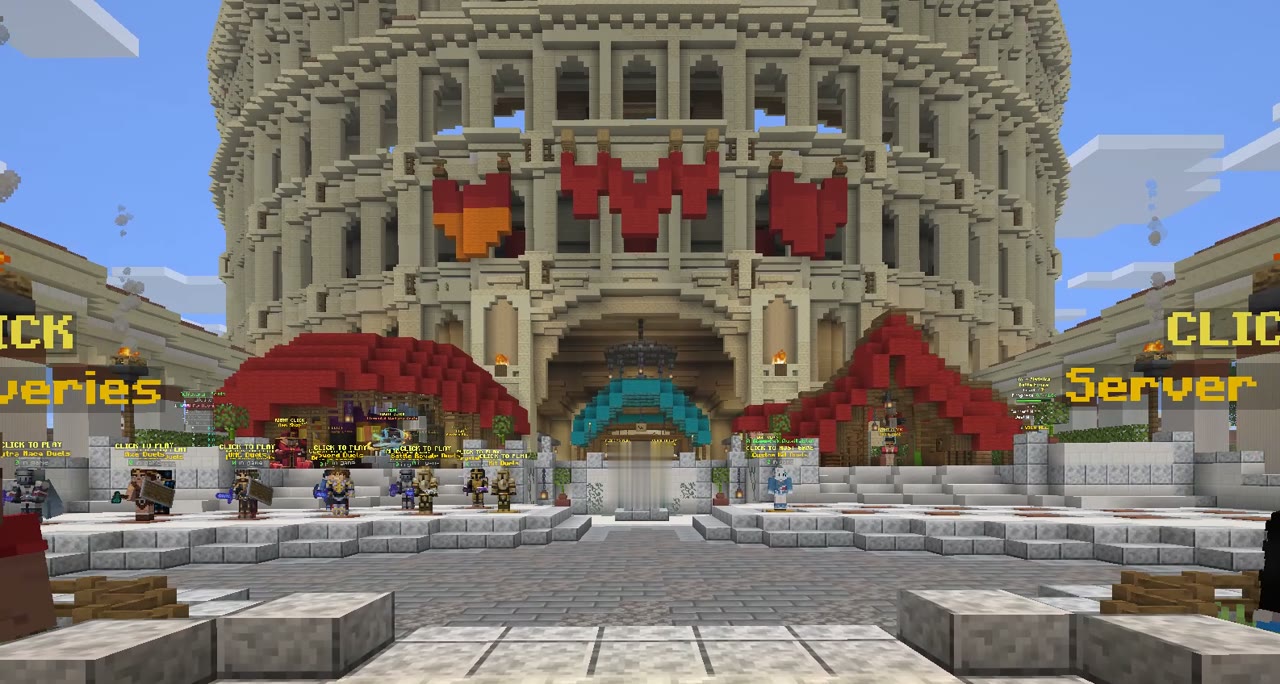
 Hoplite Setup
Every live setup has a test server you can join for free before you buy: see the test servers.
What a network setup needs
A Velocity proxy, a hub with a server selector, NPCs and cosmetics, a battle pass that works across games, and game servers that start, fill and reset on their own.
Pick the games you want
Our Hoplite setup sells the hub as the base and each game as an addon: Battle Royale, Zombie Survival and Duels. Start with one game and add the others as your player count grows.
Hosting a network
Each game server is small, but you run several. Plan about 2 GB for the hub, 3–4 GB per Battle Royale server and 1 GB for the proxy.
New to running a server? Start with how to set up a Minecraft server.
Our setups recreate gameplay with our own plugins and texts; no maps, art, resource packs or code from any server. Server names are trademarks of their owners and are used only to describe gameplay. How we make replicas